
How to Build a Business Website with AI (No Coding Needed)
A step-by-step guide to building a professional business website with AI, no coding needed. Go from your business details to a live site in a day.
Short answer: to build a business website with AI and no coding, gather your business details, choose an AI website builder with hosting included, describe your business (or paste in your old website), review and personalise what the AI creates, add a contact form, connect your domain and publish. With the right tool you can go from nothing to a live, professional website in a day.
What you'll need before you start
The AI does the heavy lifting, but it can only work with what you give it. Spend 20 minutes collecting:
- The basics: business name, phone, email, address or service areas, and opening hours.
- Your services: a list of what you offer, with a sentence or two on each and rough prices if you share them.
- Proof: customer reviews, years in business, licence or registration numbers, and any awards or accreditations.
- Photos: your team, your work, your premises or vehicles. Real photos beat stock images every time.
- Your logo and colours, if you have them.
- A domain name, such as yourbusiness.com.au. If you don't have one yet, you can buy one from any domain registrar.
Step 1: Choose an AI website builder with hosting included
Pick a builder that creates the full site for you and includes hosting, SSL and your own domain in one plan. That way there's nothing technical to set up and only one bill to pay. Here's what to look for in hosting. Most builders let you start free, so you can see the result before you pay.
Step 2: Describe your business
Tell the AI what you do, who you serve and where. Be specific: “Licensed plumber in Parramatta and the Hills District, specialising in hot water systems and blocked drains, 15 years in business” gives a far better result than “plumber”. If you already have a website, paste in its address and the AI can use your existing content as a starting point. Replacing an old site? Read how to replace an outdated business website.

Step 3: Review the pages the AI creates
Most small business sites need four to six pages:
- Home: what you do, where, and how to contact you.
- Services: one section or page per service.
- About: your story, team and credentials.
- Reviews or work: testimonials and photos of past jobs.
- Contact: phone, form, map and hours.
If you serve several suburbs or towns, consider a page for each main service area. It helps local customers and search engines find you.
Step 4: Make the copy sound like you
AI gives you a strong first draft. Make it yours by adding real details: your licence number, the suburbs you cover, how fast you respond and what makes you different. Specific facts build trust with customers and help AI tools like ChatGPT recommend you accurately.
Step 5: Add your photos and contact form
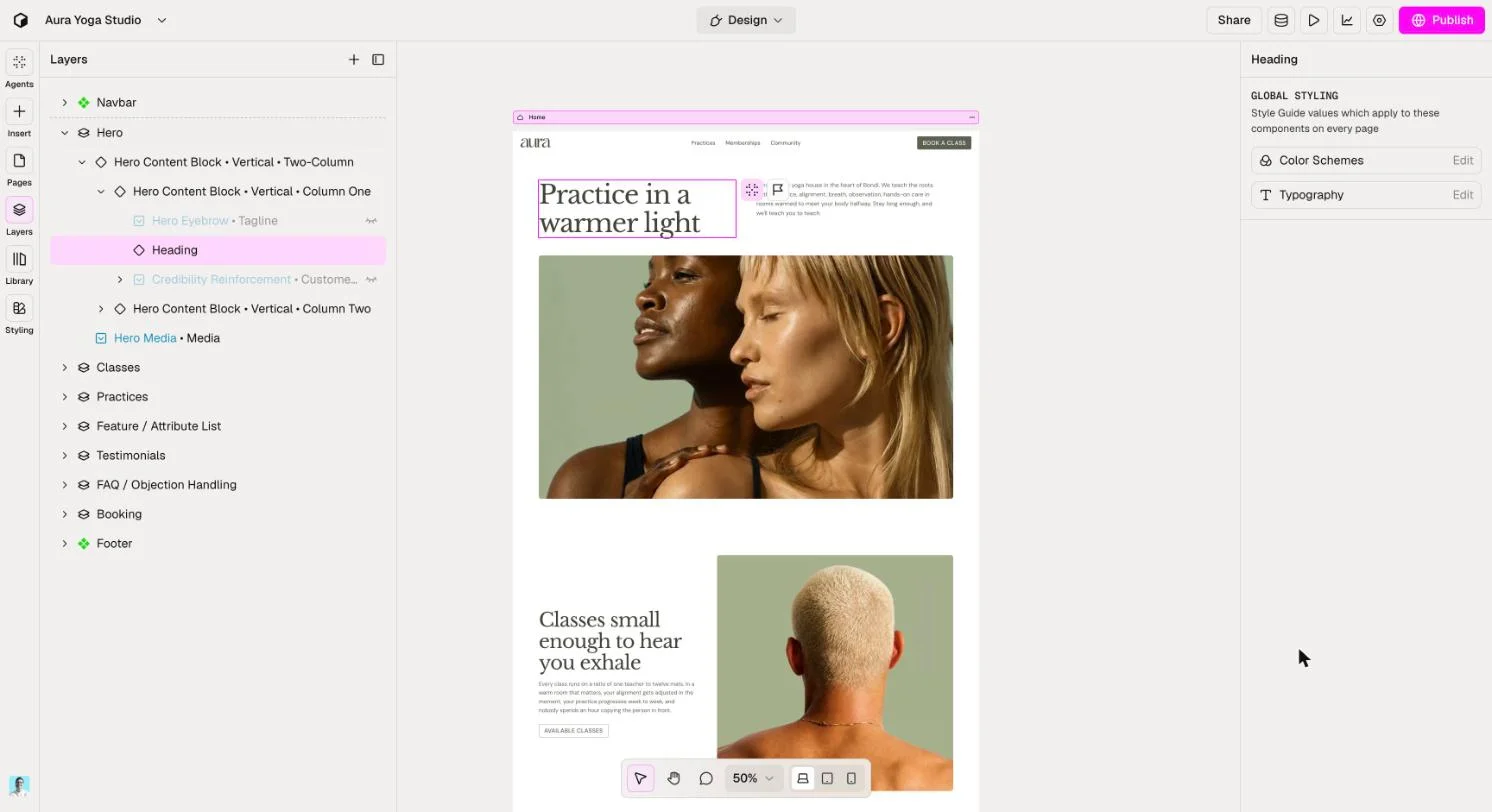
Swap placeholder images for your own photos. Then make sure every page has a clear way to get in touch: a click-to-call phone number on mobile and a contact or quote form.
Step 6: Connect your domain and publish
Connect your domain in your builder's settings. Good builders handle SSL for you, so your site shows the padlock and loads securely. Then hit publish. For a full walkthrough, see how to put your website on your own domain.
Step 7: Help Google and AI find you
- Set clear page titles and descriptions that say what you do and where.
- Add an FAQ section answering questions customers actually ask, like prices, service areas and response times.
- Claim your Google Business Profile and make sure your name, address and phone match your website exactly.
- Ask happy customers for reviews and add the best ones to your site.
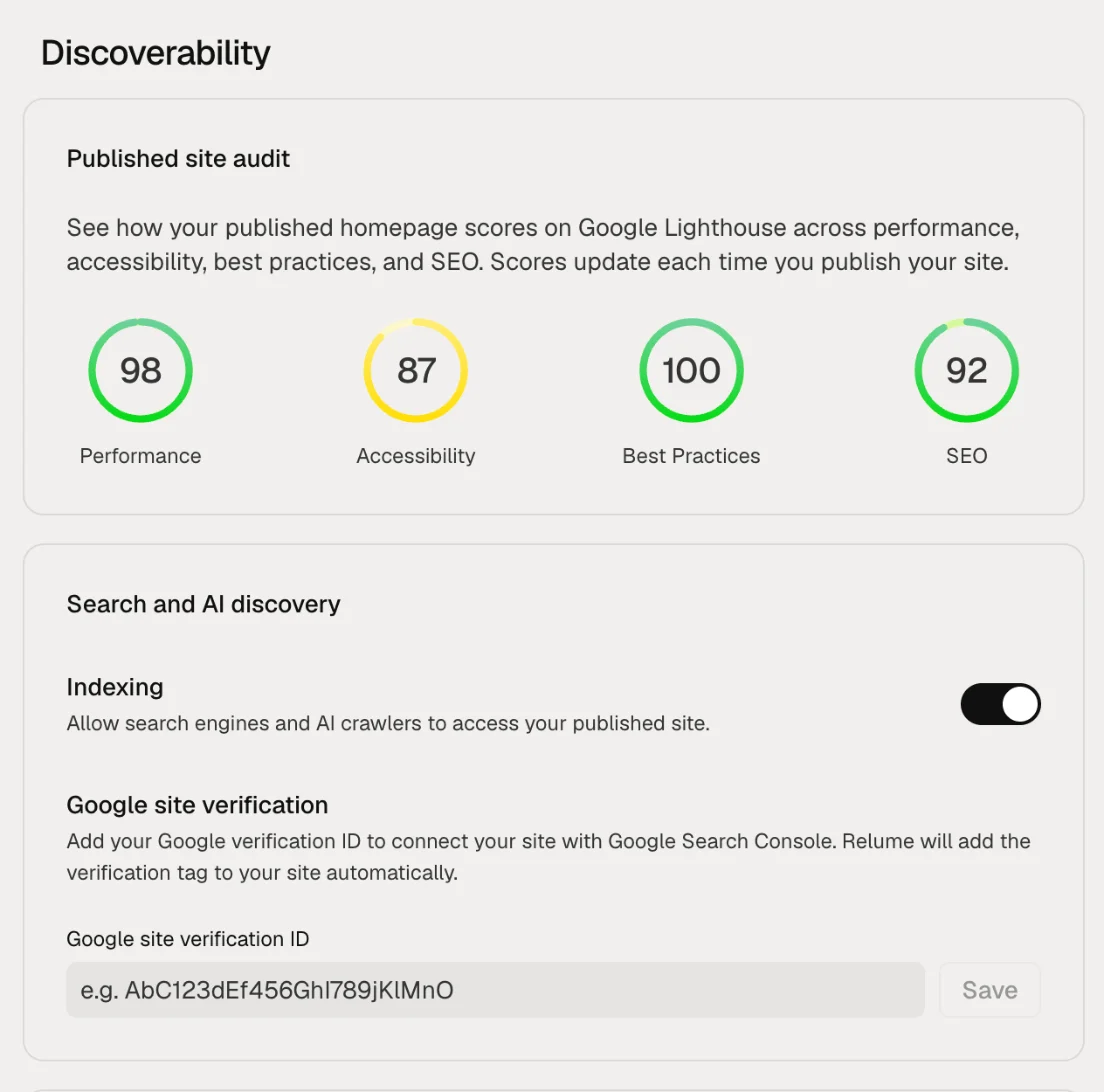
- Check search engines and AI crawlers can index your site. In Relume, this is a single setting under Discoverability.
Step 8: Keep improving it
A website isn't a one-off job. Add new services, update prices, post recent work and refresh your photos. Some builders, including Relume, have AI agents that suggest improvements to your copy, design and SEO after you publish, and you approve every change.
How to do this in Relume
- Sign up free, with no credit card needed.
- Describe your business, or paste in your current website address.
- Relume builds your pages from sections designed by professional web designers.
- Edit text and images in the visual editor and add your form.
- Publish free on a Relume web address, or connect your own domain with Launch hosting from US$14 per month billed yearly.
FAQ
How long does it take to build a business website with AI?
The AI creates a first version in minutes. Reviewing the copy, adding photos and connecting your domain usually takes a few hours, so you can publish the same day.
Do I need to know how to code?
No. AI website builders handle the design and code. You edit text and images visually.
Will an AI-built website look generic?
It shouldn't, if you add your own photos, details and reviews. Builders that use professionally designed sections also avoid the broken layouts some AI tools produce.
How much does it cost?
You can usually build for free. Expect to pay for hosting on your own domain once you go live. On Relume that's US$14 per site per month billed yearly, or US$16 billed monthly.