
AI Website Builder vs Drag-and-Drop Builder: Which Is Better?
AI website builders vs drag-and-drop builders compared: speed, design quality, control and cost, and which suits your business.
Short answer: an AI website builder creates your site for you from a description of your business, while a drag-and-drop builder gives you a template or blank canvas to arrange yourself. AI is faster and needs no design skills. Drag-and-drop gives you more control over every pixel. For most small businesses that want a professional site quickly, AI is the better starting point, especially builders that let you edit everything afterwards.
The difference in one sentence each
- AI website builder: you describe your business, the AI writes the copy and lays out every page, then you review and edit.
- Drag-and-drop builder: you pick a template, then move blocks around and write all the content yourself.
Side-by-side comparison
| AI website builder | Drag-and-drop builder | |
|---|---|---|
| Time to launch | Same day | Days to weeks |
| Design skills needed | None | Some, to make it look professional |
| Writing needed | Review and personalise the AI's draft | Write everything yourself |
| Control | High, if the builder lets you edit afterwards | Total, down to every element |
| Risk of a messy layout | Low, if built from designed sections | Higher, because anything can go anywhere |
| Best for | Busy owners who want a professional result fast | People who enjoy designing and want full control |
When drag-and-drop is the better choice
- You have a clear design in mind and enjoy building it yourself.
- You need very unusual layouts that don't fit standard sections.
- You have the time to learn the editor and write all your content.
When an AI website builder is the better choice
- You want a professional site live quickly.
- You'd rather spend your time running your business than designing.
- You find writing website copy hard and want a strong first draft.
- You want a consistent, polished design without hiring a designer.
The catch with some AI builders
Not all AI builders are equal. Some generate layouts from scratch each time, which can produce odd spacing or broken sections on mobile. Others give you a quick AI start and then drop you into a drag-and-drop editor, so you're back to designing. Look for a builder that creates the whole site from professionally designed sections and still lets you edit text, images and pages easily.
The middle ground
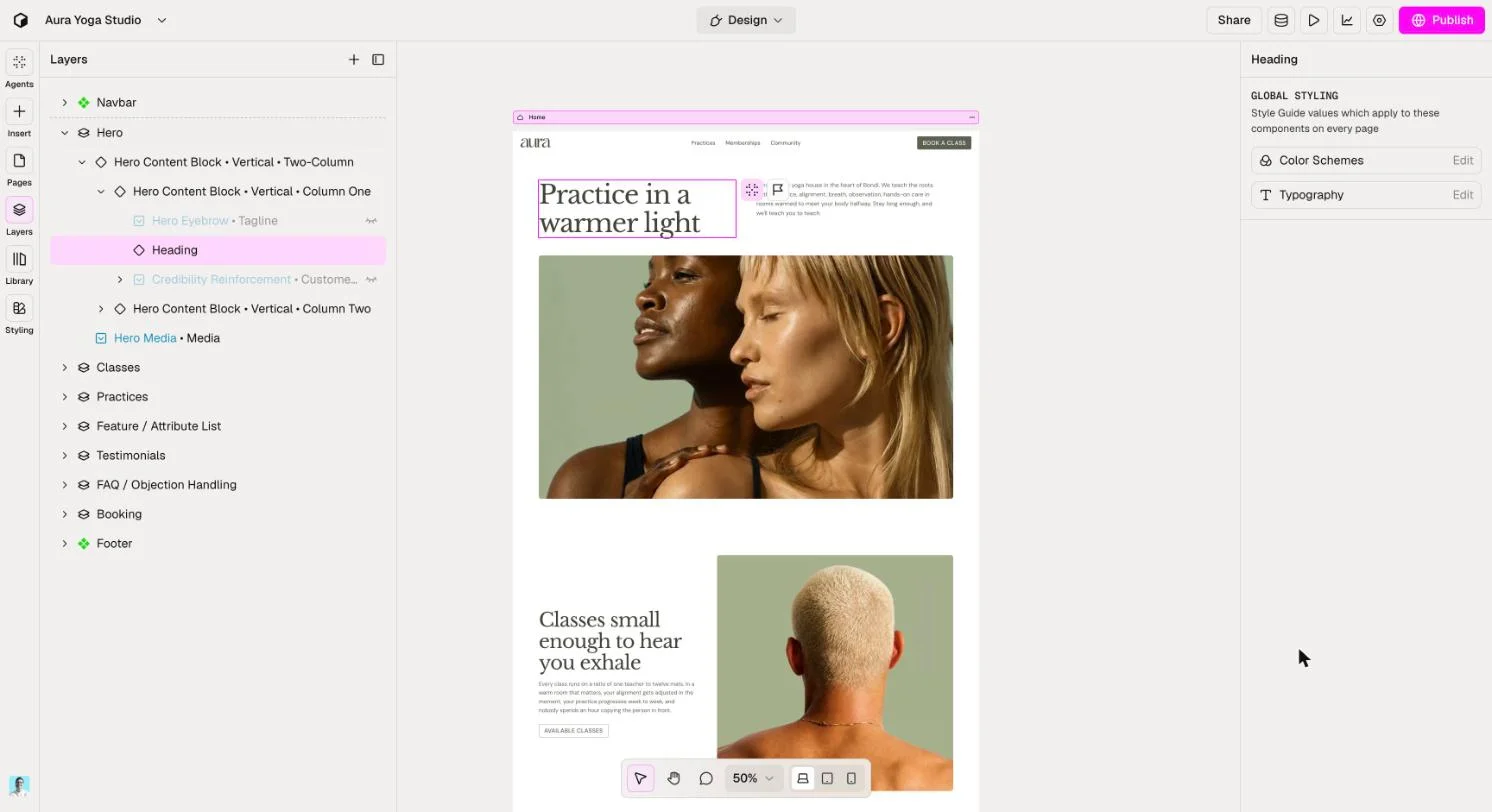
Relume builds your whole site with AI, from page structure to copy, using sections designed by professional web designers. You then edit in a visual editor, so you get the speed of AI with control over the result, without the risk of a messy layout. Hosting, your own domain and SSL are included, and you can build free before you go live.
Comparing specific tools? See the best AI website builders for small business, or follow our step-by-step guide.
FAQ
Are AI website builders better than drag-and-drop?
For speed and ease, usually yes. For total creative control, drag-and-drop still wins. Many AI builders now offer both.
Can I edit an AI-built website?
With most AI builders, yes. Check that you can change text, images, sections and pages without needing to prompt the AI for every change.
Do AI website builders write the content too?
The better ones do. Relume writes the copy for every page based on your business, and you personalise it with your own details.
Which is cheaper?
Prices are similar. Both usually let you start free and charge for hosting on your own domain. The bigger saving with AI is your time.