
How to share your Figma & Webflow projects for effective support
Sharing a Webflow read-only/sandbox link
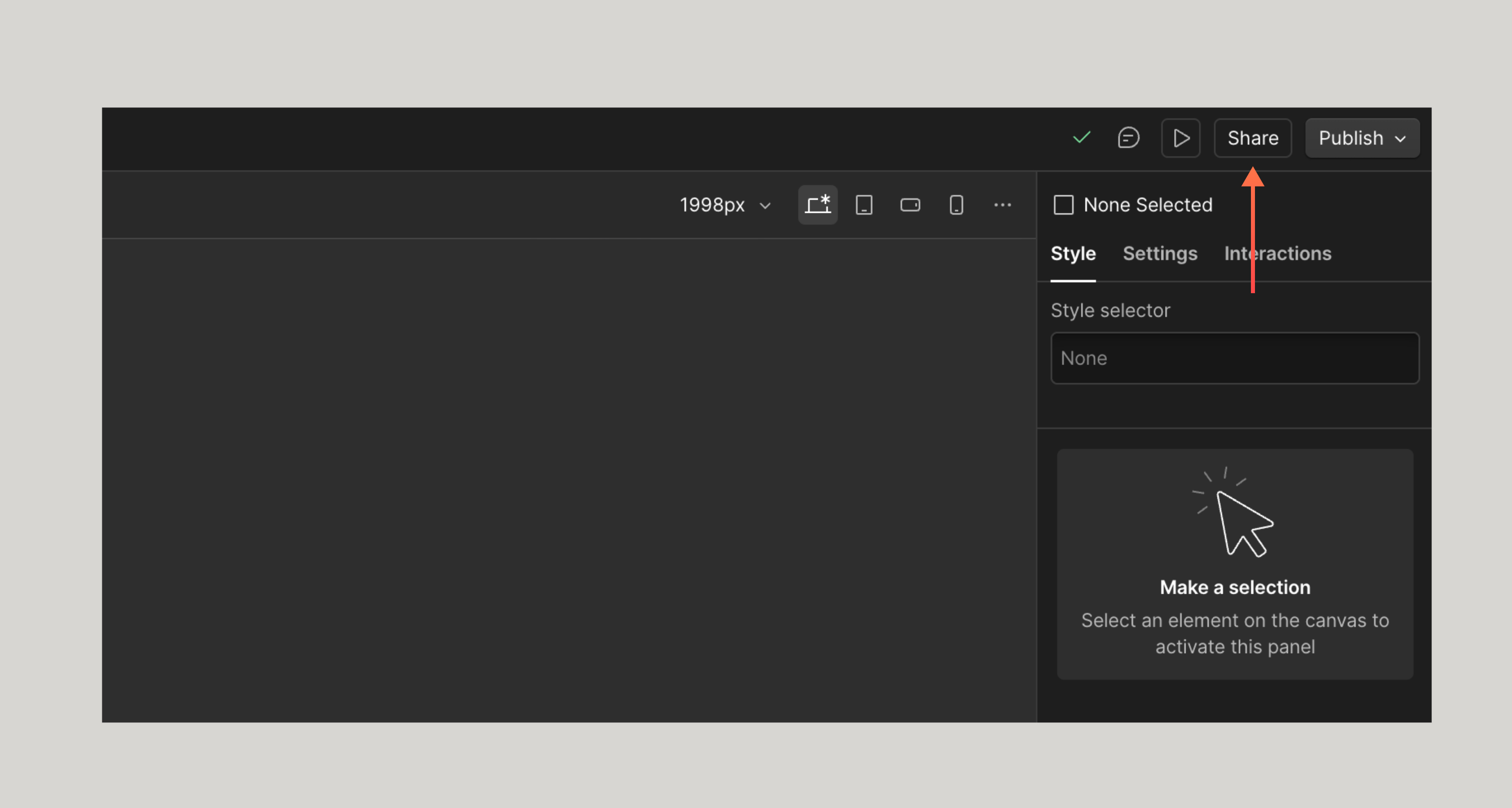
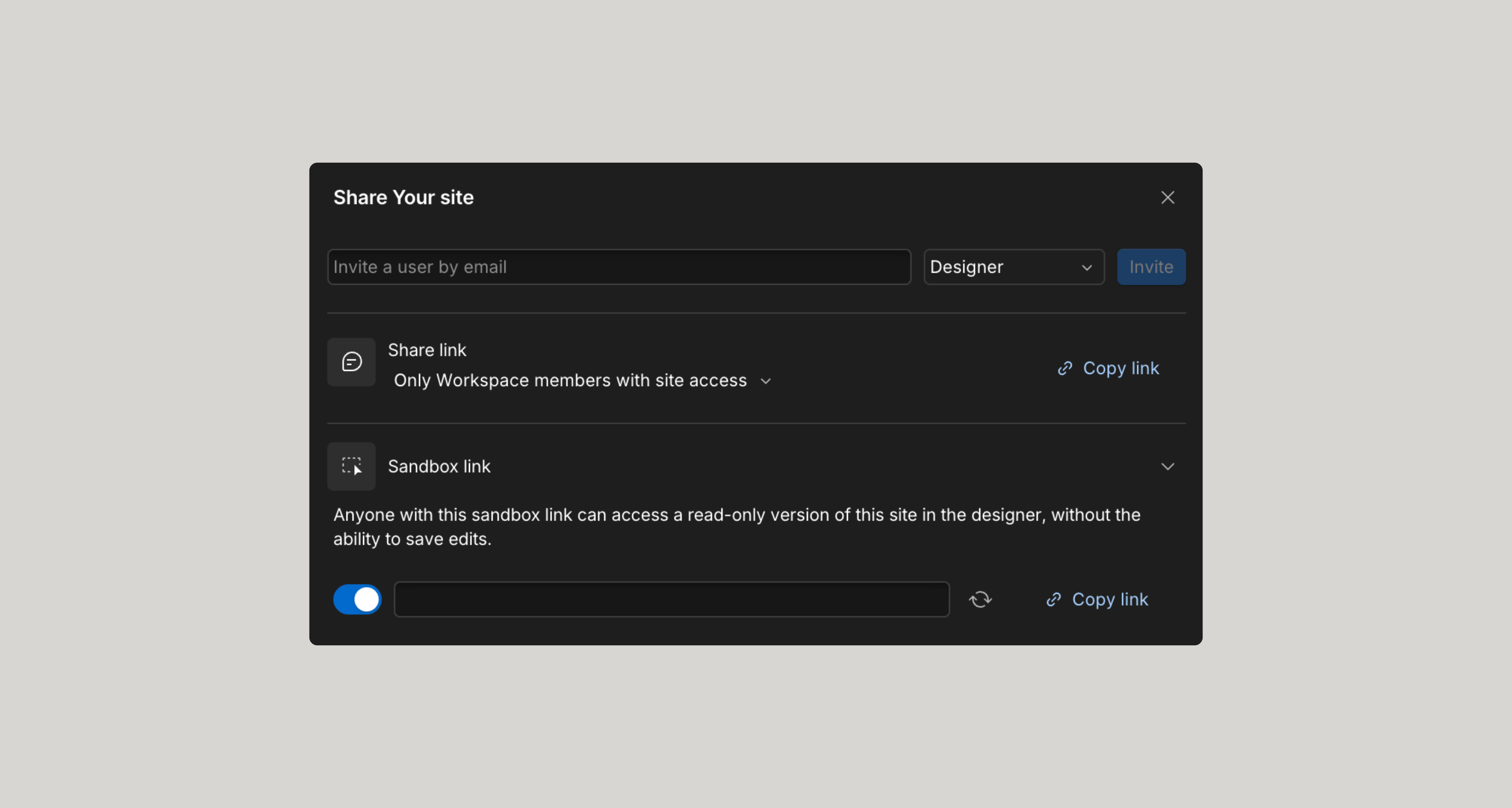
To share a Webflow read-only link (or sandbox link) you’ll want to click on the share button top right, toggle sharing on, and then copy the URL provided.
Sharing a Figma read-only link
To share a Figma read-only link you’ll want to:
- Click on the share button top right.
- Change “Invited only” to “Anyone can view”
- Copy link
- Open a new incognito window and paste the link to test if you have things set up correctly.


Give feedback
Was this resource helpful?

